
How to Delete a Step or Section From a Pathway
How to Delete a Step or Section From a Pathway
In this article:
- Overview
- Delete a step
- Delete a section
- Things to keep in mind
- FAQs
- Who can do this
Overview
When a step or section no longer belongs in a Pathway, you can remove it from the builder. Deleting a step removes it from the Pathway (the underlying content stays in your library); deleting a section removes the section and every step inside it. Deletion can't be undone, so SuperPath asks you to confirm first.
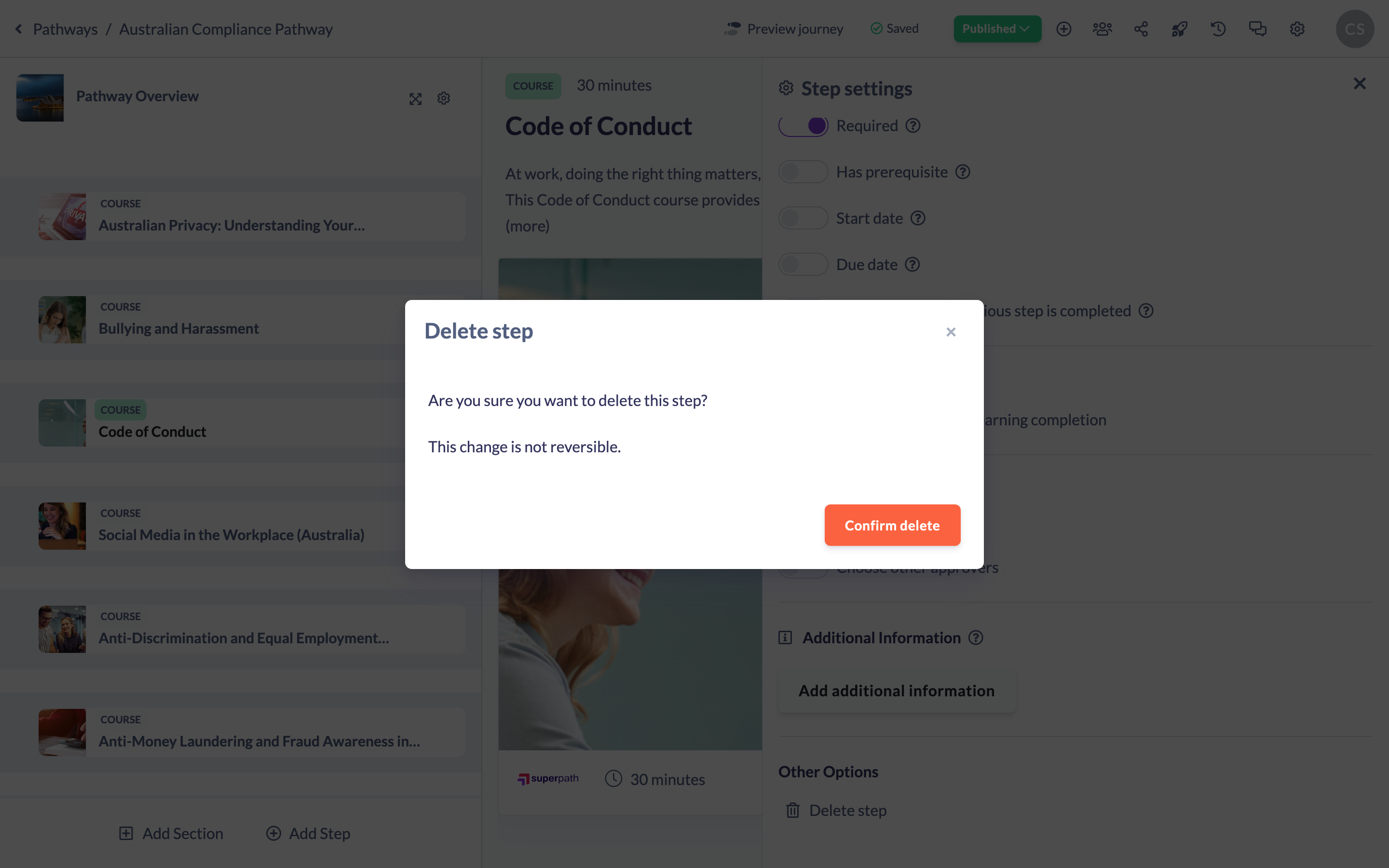
Delete a step
- Open your Pathway in the builder and hover over the step in the left steps panel.
- Click the cog icon to open the step's settings panel.
- Scroll to Other Options and click Delete step.
- In the confirmation dialog, review the warning — "This change is not reversible." — then click Confirm delete.
Note: If the step you're deleting is set as a prerequisite for another step, SuperPath warns you that the prerequisite will be removed from that other step when you continue.
Delete a section
You can delete a section in two ways:
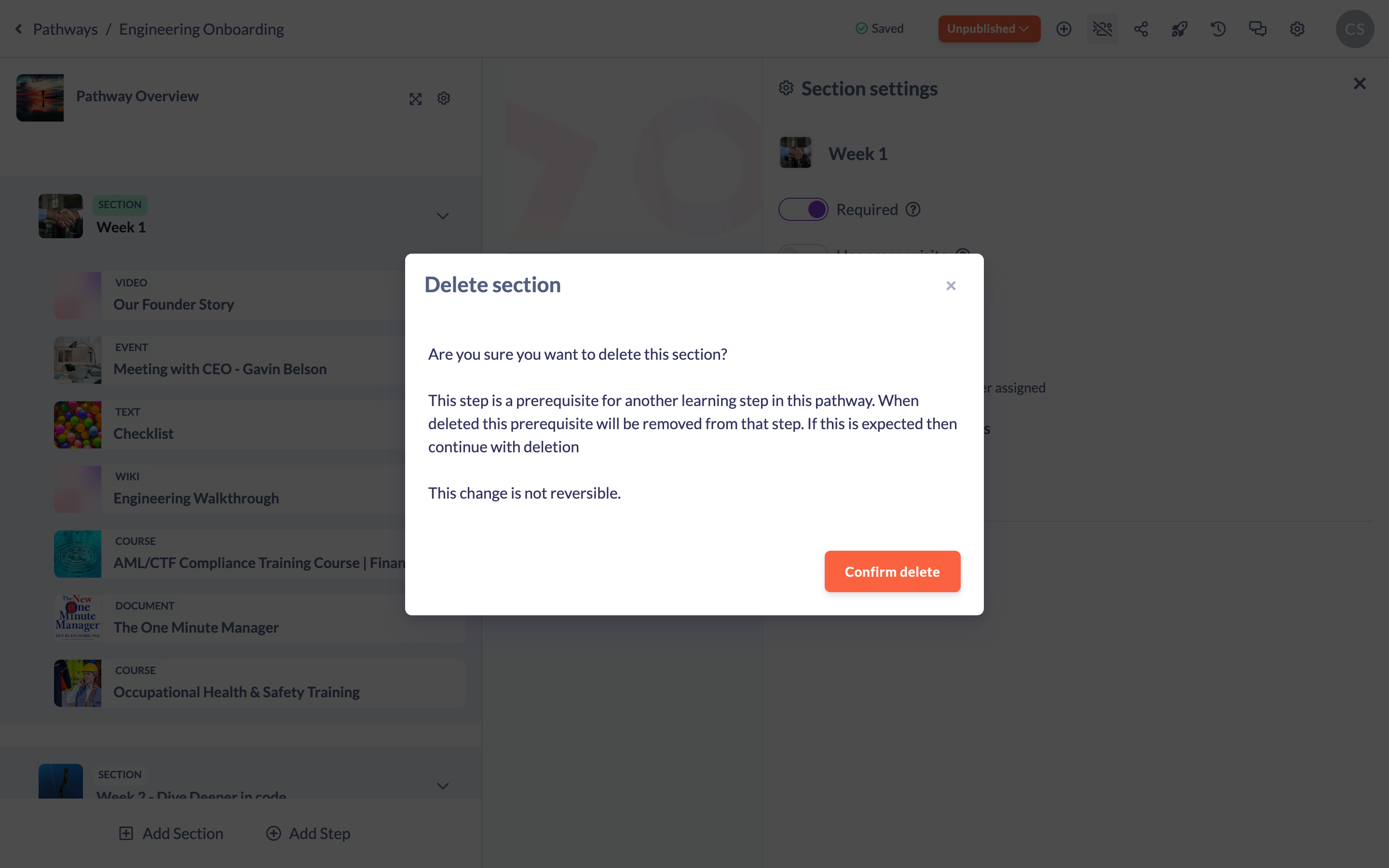
- From the section header, hover over it and open its settings, then use Delete Section and click Confirm delete; or
- Use the section header's remove control and confirm with Confirm remove.
Either way, deleting a section also deletes every step contained within it.
Things to keep in mind
- Deletion is permanent for the Pathway — there is no undo. Deleting a section deletes all of its steps too.
- Deleting a step or section removes it from this Pathway only; a Content, Event, Form or Knowledge item added as a step remains in your library and in any other Pathways it belongs to.
- Deleting a step returns a published Pathway to a draft (unpublished) state, so publish again once you're done.
- If the deleted step was a prerequisite for another step, that prerequisite is cleared from the other step automatically.
FAQs
Does deleting a step delete the content itself?
No. It removes the step from the Pathway. The original Content, Event, Form or Knowledge item stays in your library. A Text step, however, is authored inline and isn't stored separately, so deleting it removes that content.
What happens to the steps inside a section I delete?
They are deleted along with the section. Move any step you want to keep out of the section before deleting it.
Can I recover a deleted step or section?
No — deletion is not reversible. You would need to add it again.
Who can do this
Owners, Admins, Managers, Content Managers and Instructors can delete steps and sections from a Pathway. People Managers, Employees, Members, Volunteers and Restricted users have read-only access to Pathways and cannot.
Updated on: 18/07/2026
Thank you!