
How to Assign a Manager to a Person
How to Assign a Manager to a Person
In this article:
- Overview
- How to assign a manager to a person
- Things to keep in mind
- FAQs
- Who can do this
Overview
A person can have a line manager — the individual responsible for them — set directly on their profile. Their manager can then see them in People and follow their learning. You assign a manager from the Edit account panel. This applies when your organisation manages people individually; if you manage people through Teams instead, you assign managers to Teams rather than to individuals (see How to Assign Multiple Managers to a Team).
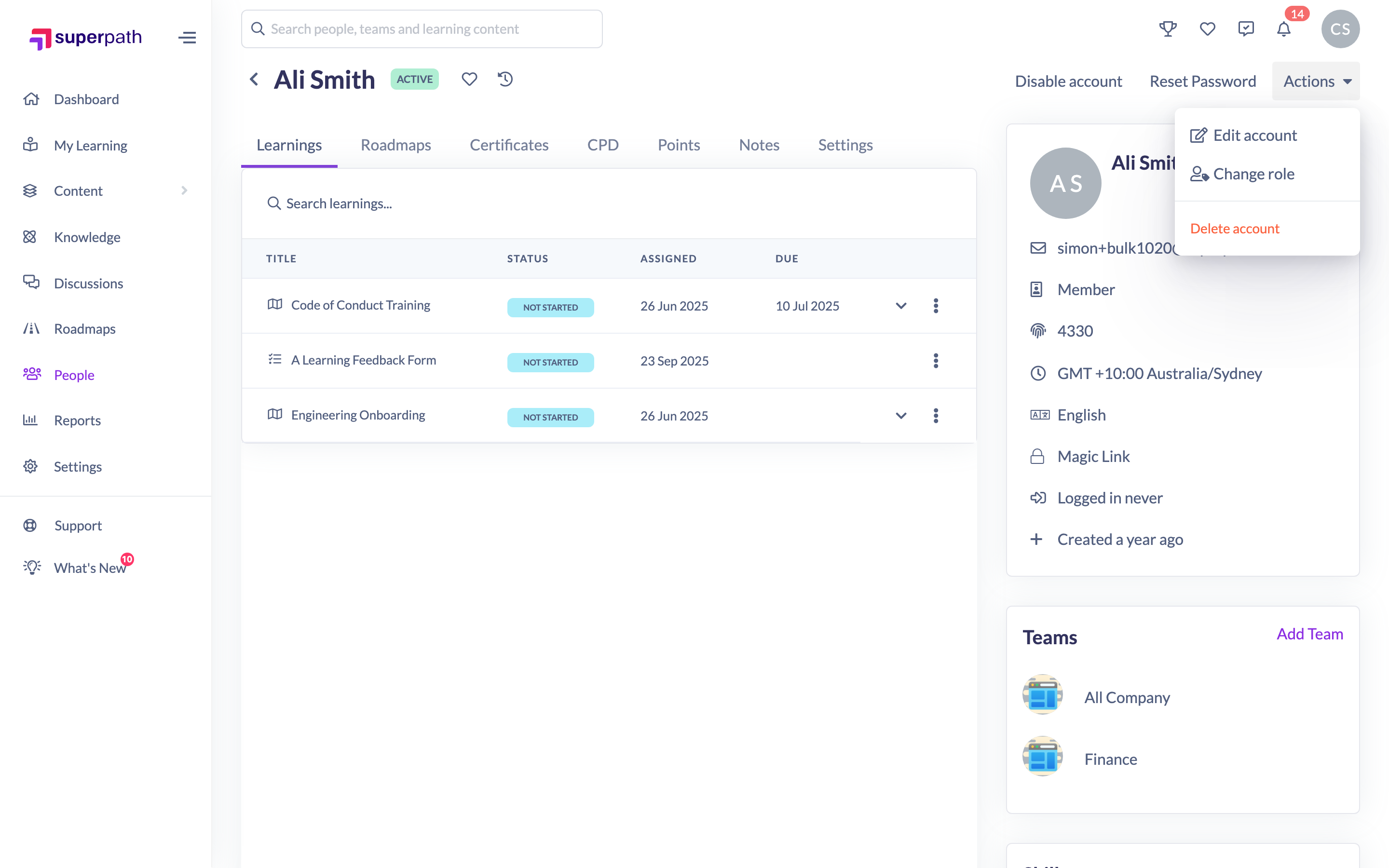
How to assign a manager to a person
- Go to People and open the person's profile.
- Click Actions → Edit account.
- On the Core details tab, find the Manager field and start typing the manager's name.
- Select the person from the list of suggestions.
- Click Save changes.

To change the manager, remove the current one with the cross next to their name and search for a different person. To remove a manager entirely, clear the field and save.
Note: The manager search only returns people who hold a Manager, People Manager, Admin or Owner role — those are the roles that can manage others.
Things to keep in mind
- The Manager field only appears when your organisation manages people individually. If you manage people through Teams, the field is hidden — assign managers to the Team instead.
- Only Owners and Admins can set or change a person's manager from this panel.
- Once assigned, the manager can view and support the people who report to them from the People list.
FAQs
Why can't I see a Manager field?
Either you're not an Owner or Admin, or your organisation manages people through Teams. When Teams manage people, you assign managers to the Team rather than to each individual.
Who can I choose as a manager?
Anyone with a Manager, People Manager, Admin or Owner role. Other roles won't appear in the search.
How do I remove someone's manager?
Open Edit account, remove the manager with the cross next to their name, then click Save changes.
Who can do this
Owners and Admins can assign or change a person's manager. Managers, People Managers, Content Managers, Instructors, Employees and Restricted users cannot set a person's manager from this panel.
Updated on: 17/07/2026
Thank you!