
How to Change a Person's Login Type
How to Change a Person's Login Type
In this article:
- Overview
- How to change a person's login type
- Things to keep in mind
- FAQs
- Who can do this
Overview
A person's Login Type determines how they sign in to SuperPath — with a password, a magic link, Google, Microsoft or your organisation's single sign-on (SSO). You can change it from the Edit account panel on their profile, for example when someone moves from a password login to signing in with Google.
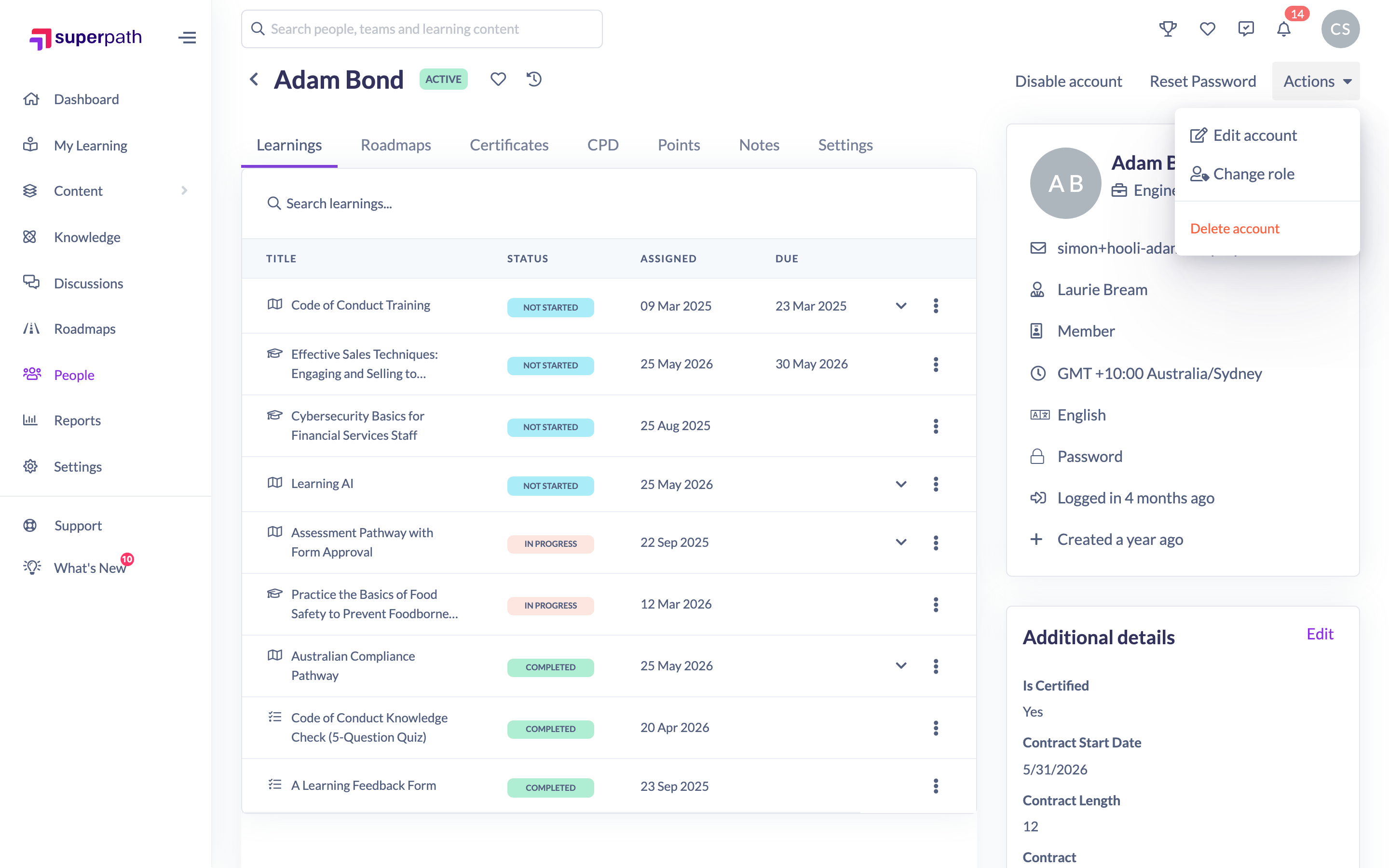
How to change a person's login type
- Go to People and open the person's profile.
- Click Actions → Edit account.
- On the Core details tab, find Login Type and choose the sign-in method.
- Click Save changes.

Note: Before changing someone's login type, make sure they can actually use the new method. If you switch them to Password, you can send them a welcome email so they can set one (see How to Reset a Person's Password).
Things to keep in mind
- The available options are Password, Magic Link, Google and Microsoft, plus Custom SSO when single sign-on is configured for your organisation.
- If your organisation requires specific sign-in methods, only those options appear in the list.
- Changing the login type doesn't set up the new method for the person — confirm they have access to it before switching.
- The Login Type field only appears to Owners and Admins.
FAQs
Why can't I see the Login Type field?
It's only shown to Owners and Admins. Other roles can't change how a person signs in.
I switched someone to Password — how do they get one?
Send them a welcome email, or use Reset Password so they receive a link to set their own password.
What is Custom SSO?
It's your organisation's single sign-on. This option only appears when SSO has been configured for your platform.
Who can do this
Owners and Admins can change a person's login type. Managers, People Managers, Content Managers, Instructors, Employees and Restricted users cannot.
Updated on: 17/07/2026
Thank you!