
How to Reset a Person's Password
How to Reset a Person's Password
In this article:
- Overview
- How to reset a person's password
- Things to keep in mind
- FAQs
- Who can do this
Overview
If someone can't sign in with their password, you can send them a reset link from their profile. SuperPath emails the person a link they can use to set a new password themselves — you never see or set the password for them.
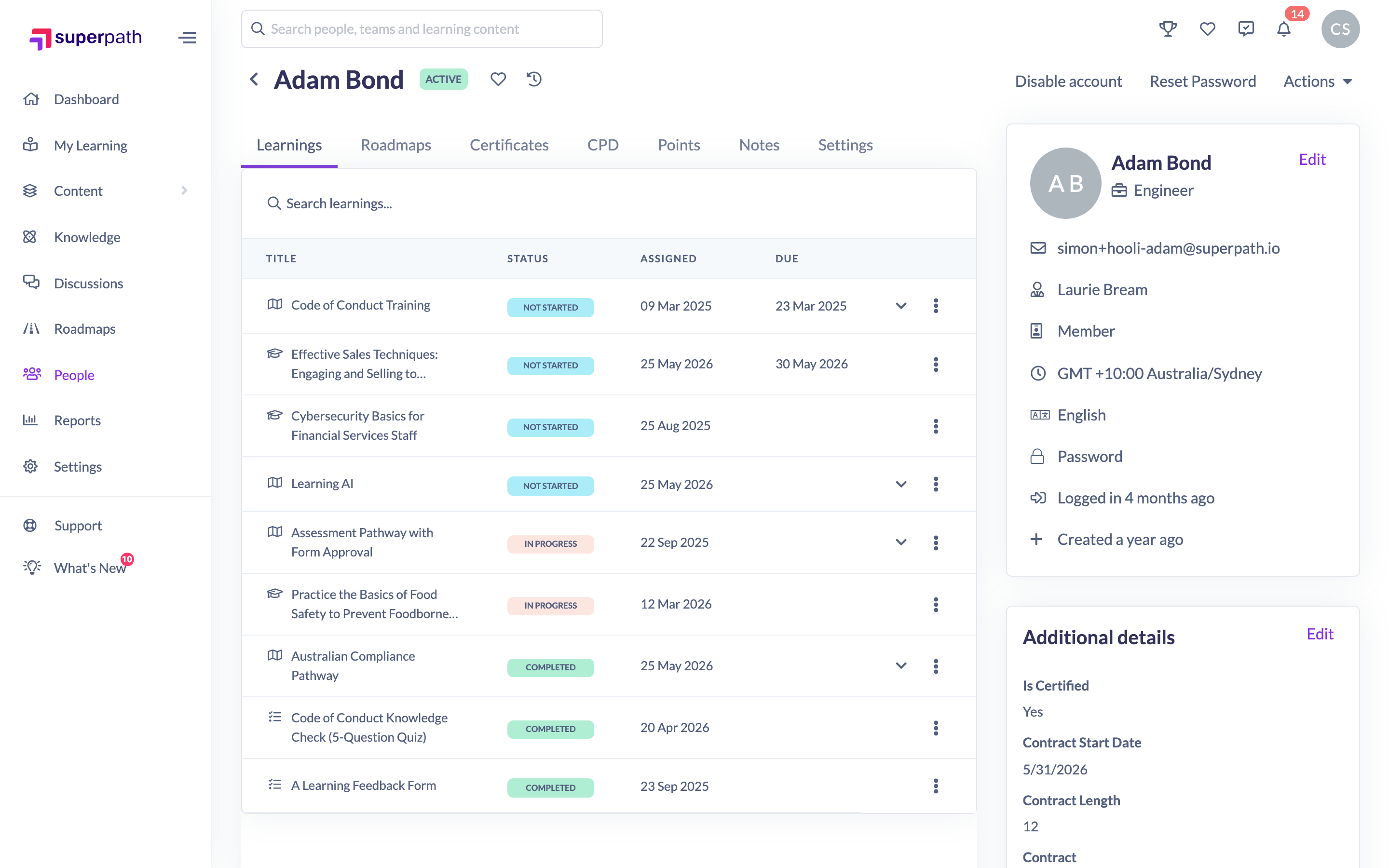
How to reset a person's password
- Go to People and open the person's profile.
- Click Reset Password.
- In the confirmation, click Reset Password to send the email.

The person receives an email with instructions on how to reset their password, and you'll see a confirmation that the link has been sent.
Things to keep in mind
- Resetting only sends an email — the person chooses their own new password from the link.
- This only applies to people who sign in with a password. It has no effect on people who sign in through Google, Microsoft, single sign-on (SSO) or a magic link.
- You can't reset your own password from this screen — use the Forgot password link on the sign-in page instead.
- If the reset email bounces, check the address is correct and contact support or your platform administrator.
FAQs
Do I set the new password myself?
No. SuperPath emails the person a secure link, and they set their own password. You never handle the password.
The person signs in with Google or SSO — will this help?
No. Password resets only apply to password sign-in. For Google, Microsoft or SSO accounts, the person manages their credentials with that provider.
They didn't get the email — what now?
Check the email address on their profile is correct and ask them to look in their spam folder. If it still doesn't arrive, contact support or your platform administrator.
Who can do this
Owners and Admins can send a password reset for any person. Managers and People Managers can do so for people whose profiles they can open. Instructors, Employees and Restricted users can only manage their own account. The Reset Password button follows profile access, so it appears only on other people's profiles you're able to open.
Updated on: 17/07/2026
Thank you!