
How to Sign In with Google
How to Sign In with Google
In this article:
- Overview
- How to sign in with Google
- Things to keep in mind
- FAQs
- Who can do this
Overview
If your SuperPath account is set up to allow Google sign-in, you can access the platform using your Google account instead of a SuperPath password. This is quicker and means one less password to remember.
How to sign in with Google
- Go to the sign-in page.
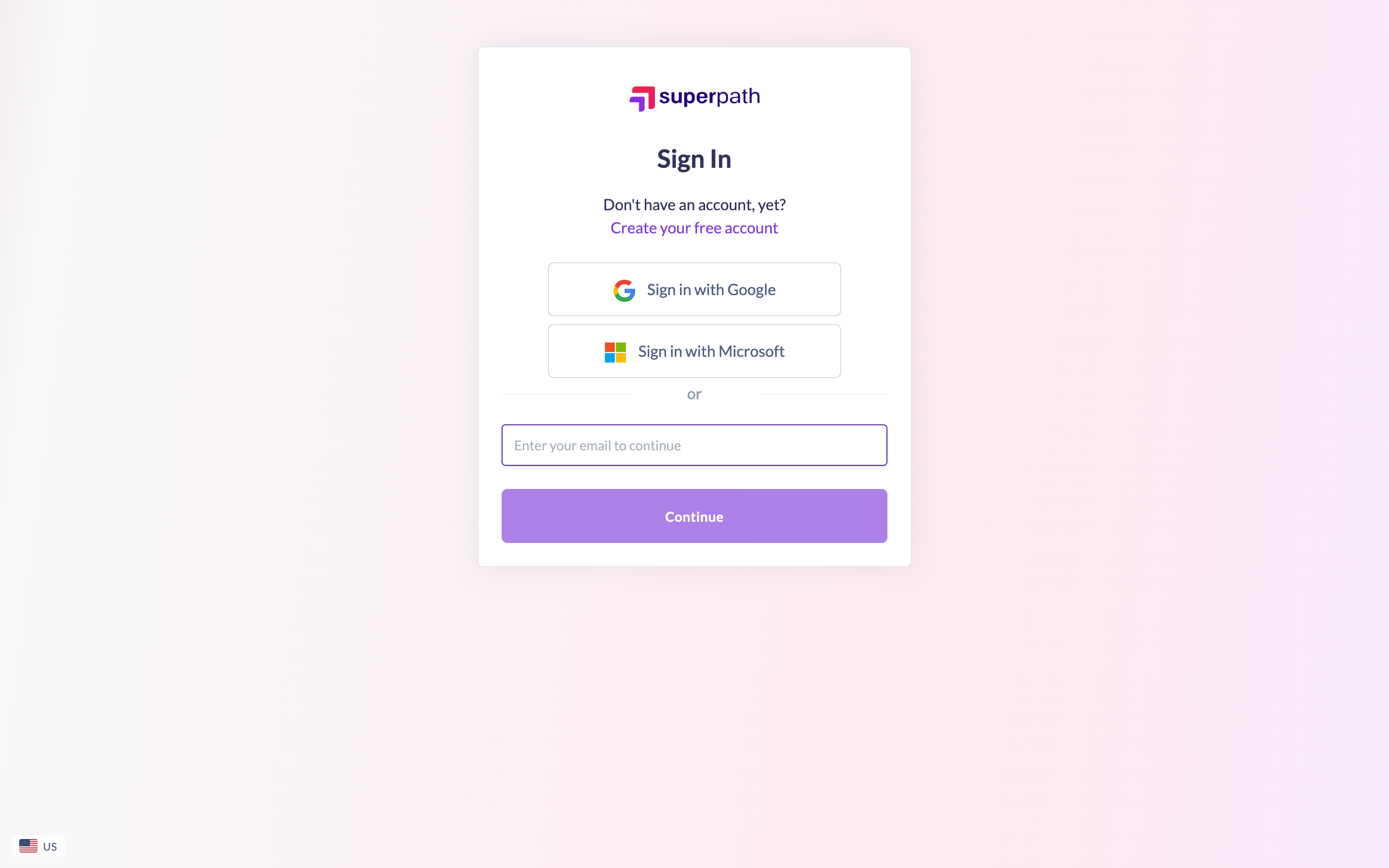
- Click Sign in with Google.
- Choose your Google account and complete Google's sign-in prompts. Once Google confirms your identity, you are signed straight into SuperPath.
Good to know: You can also enter your email and click Continue first. If your account uses Google sign-in, SuperPath recognises this and offers the Google sign-in option for you.
Things to keep in mind
- Signing in with Google only works if your account has been set up to allow it. If Google sign-in is not enabled for your account, use the sign-in method configured for you instead — a password, a magic link, or your organisation's single sign-on.
- The email on your Google account needs to match the email on your SuperPath account.
- Because sign-in is handled by Google, you manage that password and any two-step verification through your Google account, not through SuperPath.
FAQs
I clicked Sign in with Google but couldn't get in — why?
Your SuperPath account may not be set up for Google sign-in, or your Google email may not match your SuperPath account email. Check with your platform administrator which sign-in method applies to your account.
Do I need a SuperPath password as well?
No. When you sign in with Google, Google verifies your identity, so you do not need a separate SuperPath password.
Can I switch to a password later?
The sign-in methods available to you are configured by your organisation. If you need to change how you sign in, contact your platform administrator.
Who can do this
Anyone whose SuperPath account is set up to allow Google sign-in can use this method. Accounts configured for password, magic link or company single sign-on should use their own method instead.
Updated on: 20/07/2026
Thank you!