
How to Delete a Discussion Tag
How to Delete a Discussion Tag
In this article:
- Overview
- How to delete a discussion tag
- Things to keep in mind
- FAQs
- Who can do this
Overview
If a discussion tag is no longer useful — for example a freeform tag a member created by mistake — you can remove it from your account settings. This article covers deleting a tag.
How to delete a discussion tag
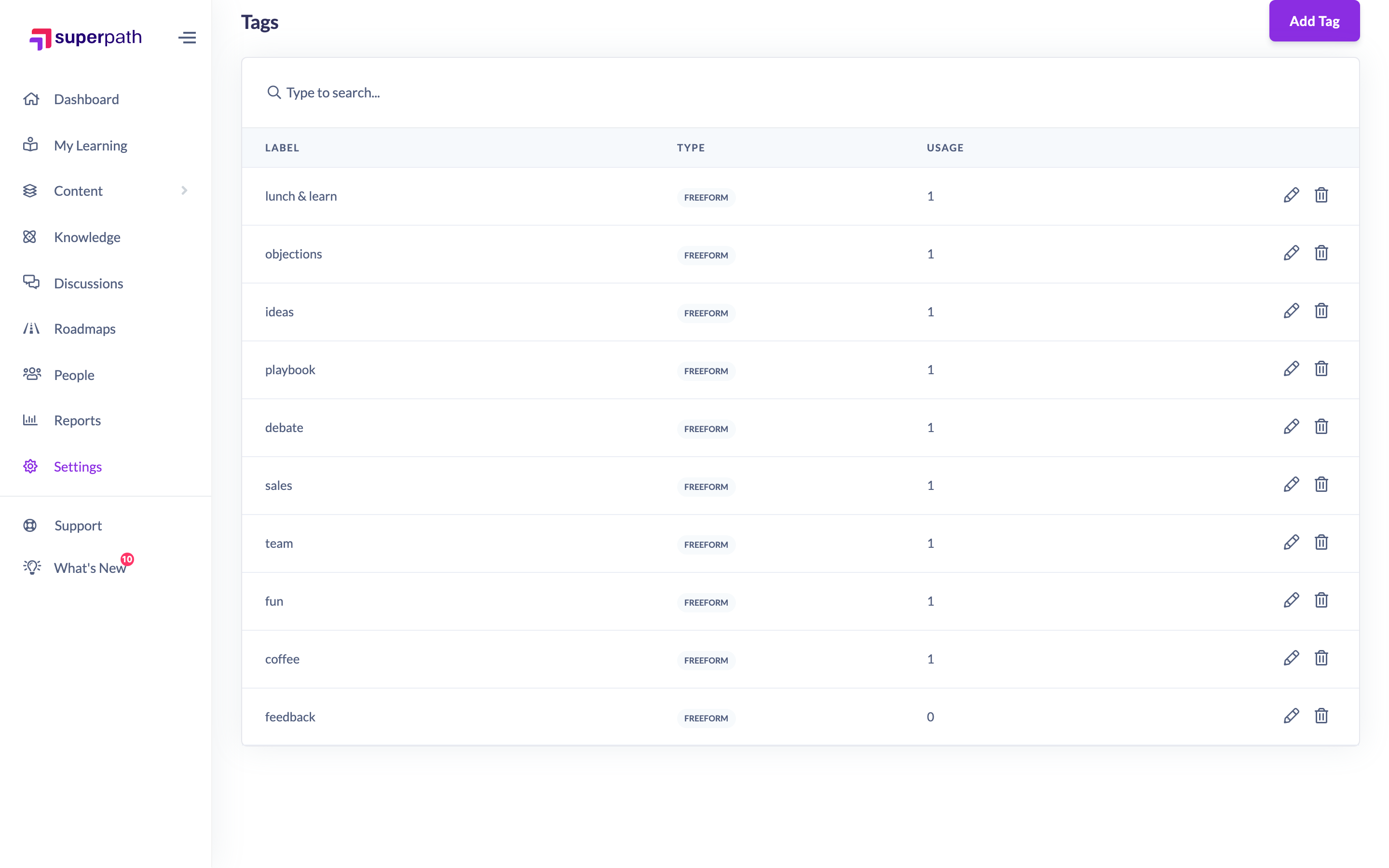
- Go to Settings → Features → Discussion Categories & Tags.
- Scroll to the Tags section and find the tag you want to remove.
- Click the trash icon in that tag's row.
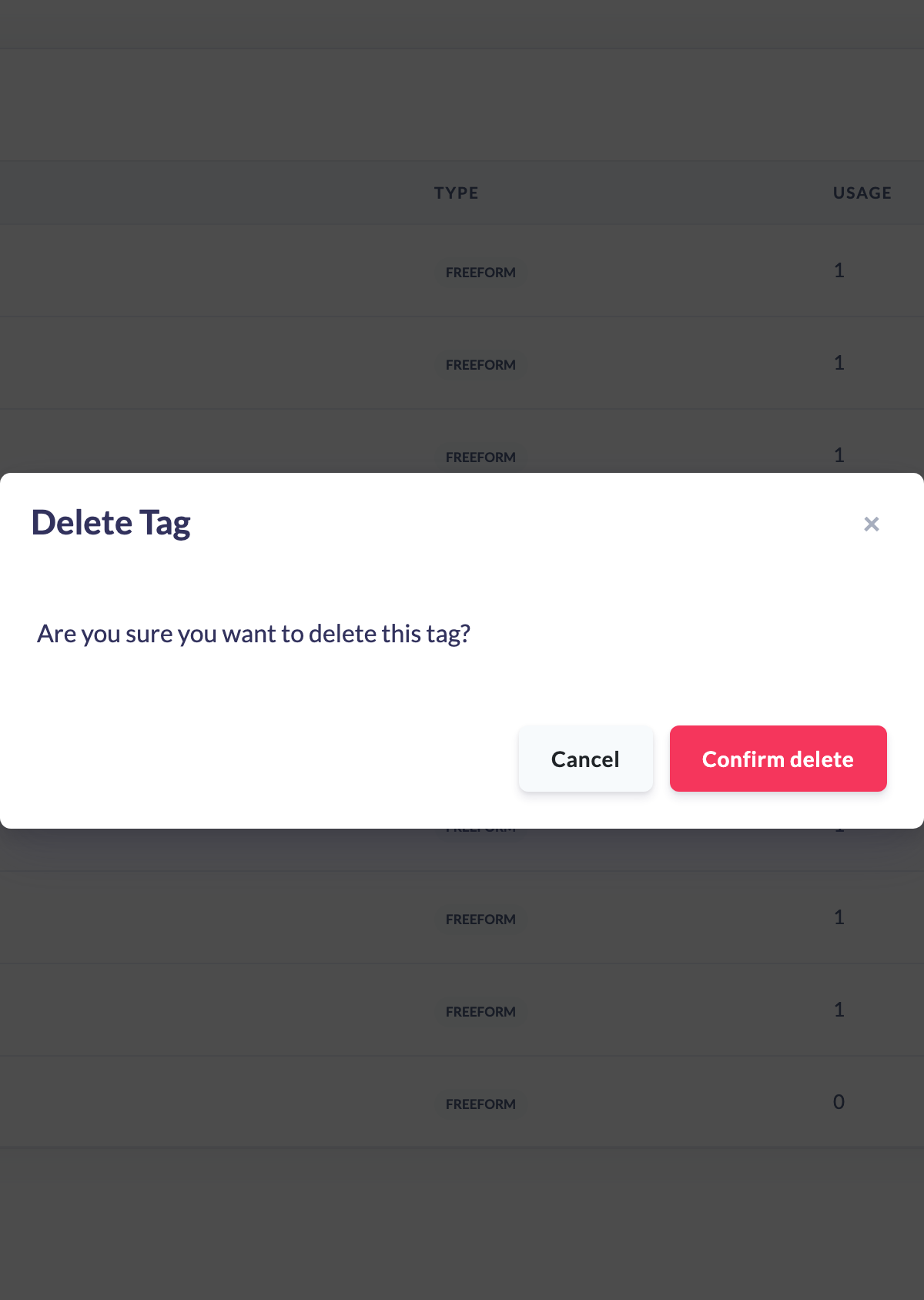
- In the confirmation dialog, read Are you sure you want to delete this tag?.
- Click Confirm delete.
Things to keep in mind
- Both curated and freeform tags can be deleted from this screen.
- Deleting a tag removes it from the tag list and from the suggestions members see when tagging a Discussion. It cannot be undone — you would need to add it again.
- If members later type the same tag on a Discussion again, it will reappear as a new freeform tag.
FAQs
Will deleting a tag remove it from Discussions that already use it?
Deleting removes the tag from the managed tag list and from tag suggestions. If the same tag is typed again on a Discussion, it is recreated as a freeform tag.
Can I delete a tag that is in use?
Yes. There is no restriction preventing deletion of a tag that has been used.
Who can do this
Owners and Admins can delete discussion tags. Content Managers and People Managers can view the tags list but cannot delete tags — the action is blocked by the platform. Other roles do not have access to this screen.
Updated on: 16/07/2026
Thank you!