
How to Set a Default Discussion Category
How to Set a Default Discussion Category
In this article:
- Overview
- How to set a default discussion category
- Things to keep in mind
- FAQs
- Who can do this
Overview
Every account has exactly one default discussion category. It acts as the fallback category — for example, Discussions are moved to it when their original category is deleted. This article covers choosing which category is the default.
How to set a default discussion category
- Go to Settings → Features → Discussion Categories & Tags.
- In the Categories section, click the pencil icon on the category you want to make the default.
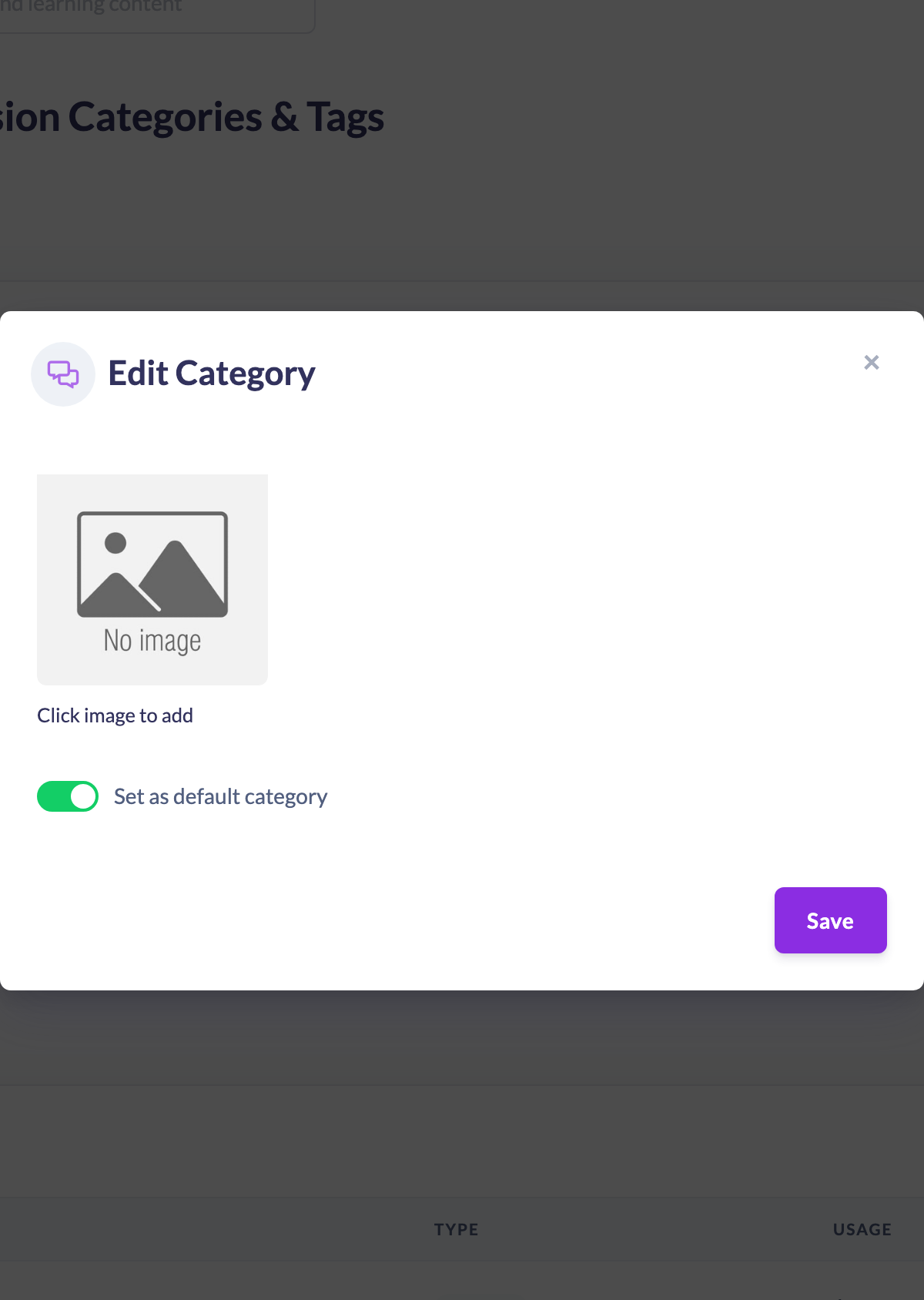
- Turn on Set as default category.
- Click Save.
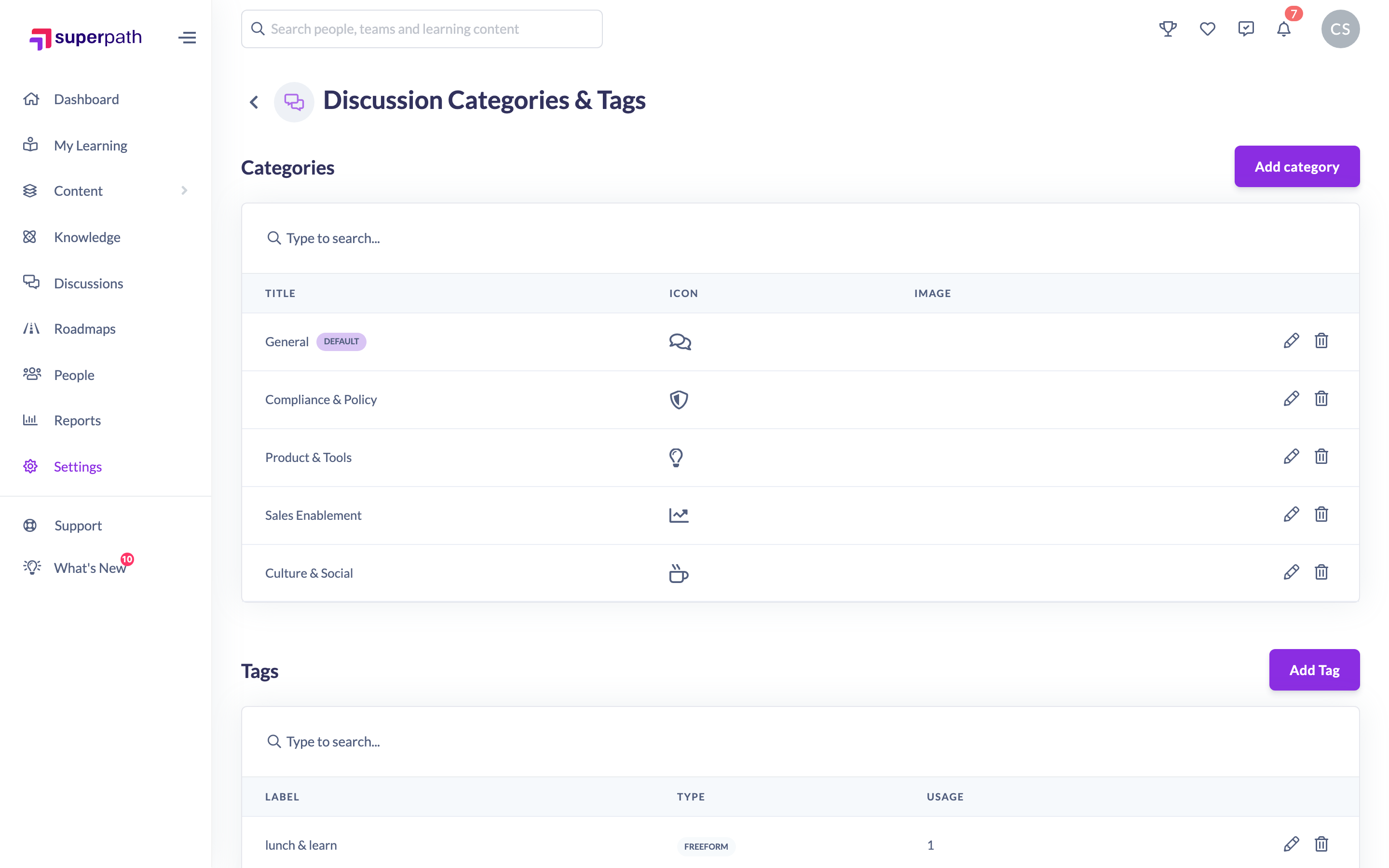
Good to know: The default category is marked with a Default badge next to its name in the categories list.
Things to keep in mind
- There is always exactly one default. Promoting a category to default automatically removes the default flag from whichever category held it before.
- The very first category you create is set as the default automatically, even without turning the toggle on.
- The default category cannot be deleted while it is the default — set another category as the default first if you want to remove it.
FAQs
What is the default category used for?
It is the fallback category. Most notably, when a category is deleted, its Discussions are reassigned to the default so they are not lost.
Can I have more than one default?
No. Setting a new default always demotes the previous one, so only one category is ever the default.
Who can do this
Owners and Admins can set the default discussion category. Content Managers and People Managers can view the categories list but cannot change the default — the save is blocked by the platform. Other roles do not have access to this screen.
Updated on: 16/07/2026
Thank you!